Accurate data is the foundation of successful business decisions and effective SEO strategies. Google Analytics provides in-depth analysis of traffic and user behaviour, but to take full advantage of its capabilities, you need to configure it correctly and integrate it with other SEO tools. In this article, we will focus on the technical aspects of optimisation, practical applications and frequently asked questions.
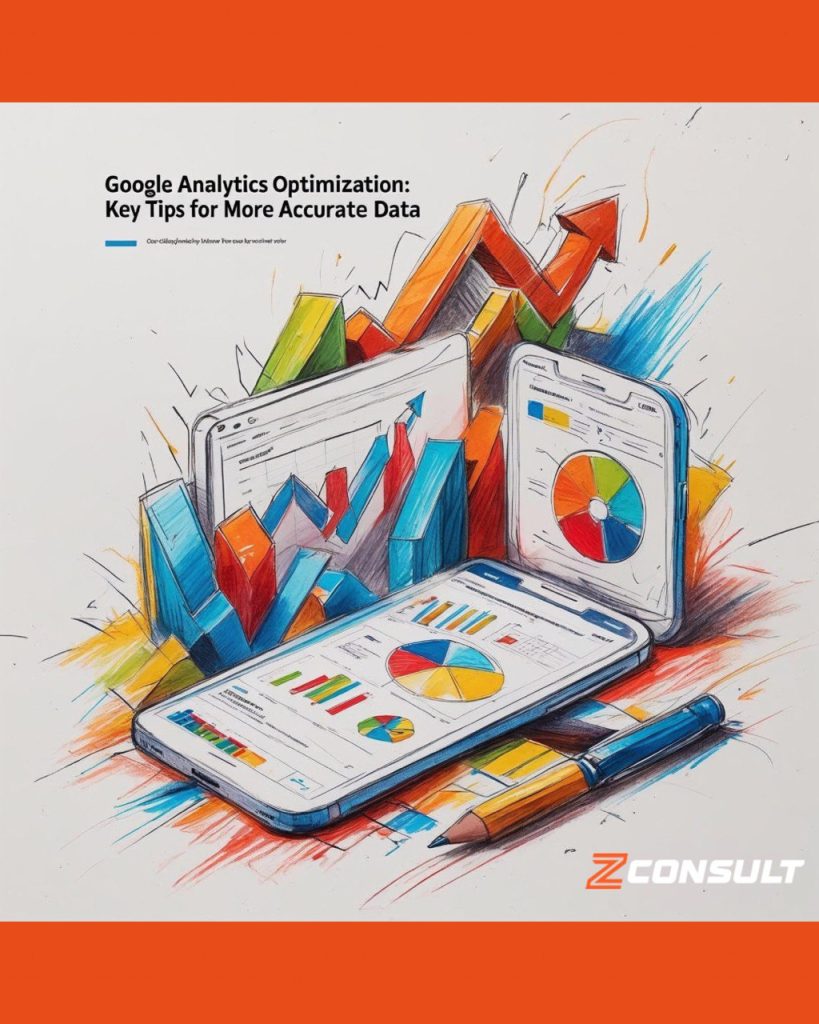
The role of Google Analytics in SEO optimisation
Google Analytics plays a central role in SEO analysis because it:
- Measures keyword performance: It shows which keywords attract traffic and which lead to conversions.
- Analyses website entry points: It identifies which pages attract the most attention.
- Tracks user behaviour: It shows how users interact with the website, where they leave and what engages them.
Overview of the main processes
1. Complete migration to Google Analytics 4 (GA4)
Standard Universal Analytics accounts stopped collecting data in July 2023, and access to all UA reports was permanently discontinued in July 2024. GA4 is the only active and supported traffic analytics system.
GA4 provides:
- Enhanced event reports: Automatic tracking of actions such as scrolling, video views, form starts and submissions.
- Integration with BigQuery: For analysing large volumes of data.
- A more accurate attribution model: “Data-driven” attribution is now the default setting and analyses every touchpoint leading to a conversion.
2. Setting up Google Tag Manager (GTM)
Using GTM simplifies the tracking process:
- Managing UTM tags: Easily add and edit UTM parameters for campaigns.
- Tracking micro-conversions: For example, a click on a phone number or a document download.
- Setting up additional events: If GA4’s automatic events do not cover everything, GTM remains the most flexible tool.
3. Creating custom audiences
Segment your audience by:
- Traffic source (organic, referral, paid).
- User behaviour (returning visitors, engaged users).
- Geographical location for local SEO campaigns.
4. Setting up Ecommerce tracking
GA4 no longer uses the term “Enhanced E-commerce” from the previous version, but it does offer:
- Monetisation reports: Data on purchases, product interactions and order values.
- Abandoned basket tracking: Through a sequence of events.
- Integration through GTM: Using specific ecommerce events such as view_item, add_to_cart, purchase.
5. Setting up goals and events
In GA4, goals are event-based. You can track:
- Conversions: purchases, registrations and form submissions (by marking an event as a conversion).
- Content interactions: for example, scrolling to 90%, watching a video or reading an article.
- User journeys: Behaviour reports provide clarity on how users navigate the website.
Advanced integration with other SEO tools
1. Connecting Google Search Console (GSC)
The integration between GA4 and GSC is more limited, but still valuable:
- Keyword and CTR data.
- Analysis of organic sessions.
- For more in-depth crawl and indexing analysis, review GSC directly.
Frequently asked questions (FAQ)
- How do I remove internal traffic from GA4 reports?
Create a data filter using your team’s IP addresses and activate it only for the “Test view”. - How do I set up UTM parameters?
Create them using Google’s Campaign URL Builder and track the results in GA4 > Acquisition > Traffic acquisition. - What is ecommerce tracking in GA4?
Using events such as view_item, add_to_cart and purchase, you can analyse the performance of products, baskets and orders. - How can I use geographical data for SEO?
Use the User > Demographics > Location section in GA4 to identify the most active regions. - How does GA4 help improve UX design?
Behaviour flow (Explore > Path exploration) shows how users move between pages and where they leave. - How are videos tracked in GA4?
If you use embedded YouTube videos, GA4 now tracks them automatically. For other videos, set up events in GTM. - How often should I check my GA4 settings?
Review events, tags and conversions once a month, especially after making changes to the website. - Can I integrate GA4 with Google Ads?
Yes – the integration provides comprehensive reports on campaigns, clicks and post-conversion behaviour. - What should I do if my bounce rate is high?
Analyse loading speed, UX elements and the clarity of your Call-to-Action. - How can Z-Consult help?
Our team configures GA4 around your objectives, conducts a complete technical audit and provides strategic support – enabling you to make decisions based on real data rather than assumptions.
Ready to get the most out of Google Analytics?
Contact Z-Consult today for a tailored consultation and configuration of your analytics ecosystem!

Author
Martin Zhelyazkov
Founder of Z-Consult
Мартин Желязков е Founder & CEO на Z-Consult с над 15 години практически опит в дигиталния маркетинг, SEO стратегиите, автоматизацията и развитието на дигитални бизнеси. Фокусът му е в пресечната точка между SEO, AI, автоматизацията и бизнес стратегията — с цел сложните маркетингови и технологични процеси да се превръщат в ясни, приложими и измерими бизнес решения.
View author profile